How Do APIs Work? What Beginners Need to Know
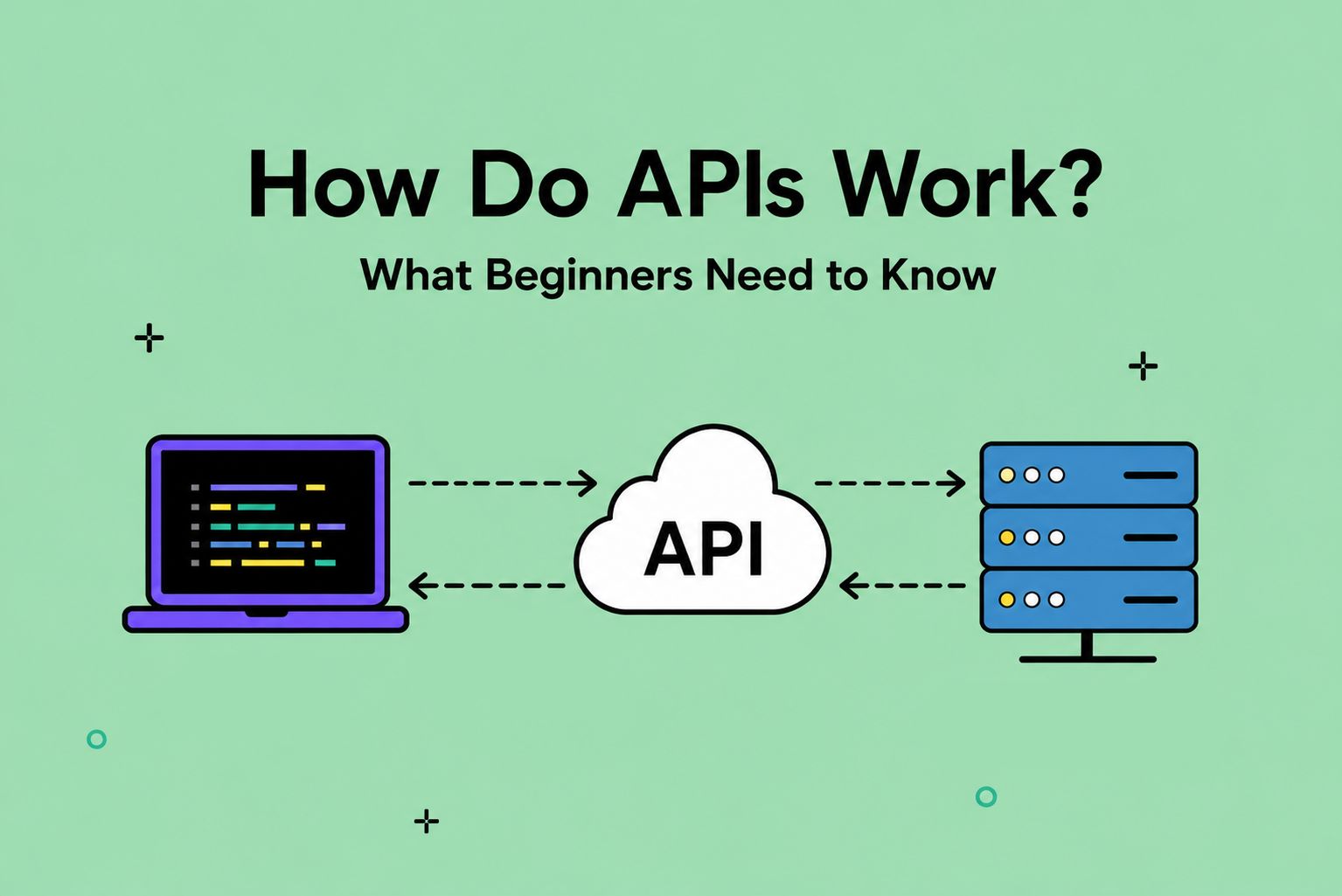
TL;DR: An API is like a mutual friend who introduces two people and helps them talk to each other. Except the two people are apps.
When you check the weather or track a delivery, that’s an API doing the behind-the-scenes work of communicating between apps. An app will make a request, and the API will communicate with the other app to send back a response.
Here’s a fun fact: You use APIs every single day without even knowing. Checking the weather, ordering food online, and logging into your Spotify or Facebook account are all powered by APIs. Understanding how APIs work is one of the most underrated and satisfying moments.
Table of Contentsh2
- What Is an API?
- How Do APIs Work?
- Real-World Examples of APIs in Action
- What Are The Different Types of APIs?
- What are The Benefits of API?
- What Is an API Endpoint and Why Is It Important?
- What is GraphQL?
- Where Can You Find New APIs?
- Key Takeaways
- FAQs

Is Tech Right For you? Take Our 3-Minute Quiz!
You Will Learn:
☑️ If a career in tech is right for you
☑️ What tech careers fit your strengths
☑️ What skills you need to reach your goals

What Is an API?
API stands for Application Programming Interface. Let’s decode what it means piece by piece.
- Application: Any software that does a specific job (weather app, Google Maps, etc.).
- Programming: The code behind the software.
- Interface: A shared room where two systems can connect and communicate.
To put it all together, an API is a set of rules that lets two different software programs communicate with each other and share information.
Think of API as a power outlet. You don’t need to understand the intricacies of how electricity works just to plug in your laptop. You connect the power cord to the outlet, and the electricity works.
Similarly, developers don’t need to understand every detail about another company’s software. They just use their API and let the two systems communicate.
APIs were created because modern apps can’t do everything on their own. Instead of building every feature from scratch, developers work smart. They tap into the services they need, like a mapping service, a payment processor, or a weather database, through their APIs.
How Do APIs Work?
The core of an API is as simple as a back-and-forth mechanism: a request and a response. The entire process occurs in the blink of an eye.
Here’s how it works in reality:
- You take an action: Let’s say you’re searching for flights on Google Flights.
- Your app sends a request: Google Flights connects with the API, asking for available flights.
- The API retrieves the data: The API pulls all the relevant information from the airline’s database.
- The response comes back: Voila! Flight options appear on your screen in seconds.
Real-World Examples of APIs in Action
Here are some everyday examples of how APIs show up in your day-to-day life.
Weather Apps
When you scroll through a weather app, they don’t have their own satellites or meteorologists. It simply sends a request to an API of a weather data service. And that service sends back your local forecast.
Maps and Ride-Sharing
When you book an Uber, it uses Google Maps’ API to show you the map and calculate routes. Uber also uses the Google Maps API to estimate your arrival time. Uber didn’t build any mapping software from scratch; they used an existing one.
Log In with Google or Facebook
Have you seen the “Sign in with Google” button on almost every app you use? That’s an API call. The app requests that Google verify your identity. When Google confirms it, you’re logged into the app without needing to create a new password.
Online Payments
When you make a purchase online, you pay using an API. Whether it’s PayPal or your credit card, an API connects the store to the payment processor.
What Are The Different Types of APIs?
There are various types of APIs out there, but here are the ones you’ll hear about most often.
Private APIs
These APIs are used internally within a company. They’re not accessible to people outside the company. Private APIs help different departments of the same organization communicate. Think of them as internal memos between departments.
Public APIs
Also known as open APIs, they’re available to any developer who wants to access them. A classic example is the Google Maps API. Developers can access and plug it into their own apps without needing to build mapping from scratch.
Web APIs
Web APIs are the most common type you’ll encounter. They operate over the internet using the HTTP protocol. When you encounter someone saying “calling an API,” they’re basically talking about the web API.
REST APIs
This is a specific type of web API and is the most popular one by far. REST stands for Representational State Transfer. These APIs set rules for how requests and responses are formatted. It helps to make communication lightweight, flexible, and easy to work with.
Is Tech Right For you? Take Our 3-Minute Quiz!
You Will Learn:
☑️ If a career in tech is right for you
☑️ What tech careers fit your strengths
☑️ What skills you need to reach your goals
What are The Benefits of API?
APIs are genuinely transformative for how software gets built and how apps are experienced.
For Users
APIs are responsible for the seamless feel of your apps. When your Spotify playlist shows up on your car display, it’s the API. When your Instagram photos appear on your website, it’s also an API.
For Developers
APIs can dramatically speed up the development process. Instead of building a payment system, a map, and a login flow from scratch, a developer can use existing APIs. sla
For Businesses
APIs make it easy for companies to partner and integrate each other’s software. Some great examples are Shopify partnering with PayPal or Slack connecting with Google Drive. They create a clear set of rules for systems to communicate with fewer bugs.
What Is an API Endpoint and Why Is It Important?
An API endpoint is a specific URL where the API receives requests. It’s basically a web address. Taking the example of a weather API, it might have different endpoints like:
- Current conditions: api.weather.com/current
- 7-day forecasts: api.weather.com/forecast
- Historical data: api.weather.com/history
Endpoints matter for two different reasons: security and performance. Since endpoints are specifically defined, the API providers control who can access data. Providers can also monitor which endpoints get the maximum traffic and optimize accordingly. With properly designed endpoints, APIs avoid causing chaos.
What is GraphQL?
GraphQL is an alternative to REST. In technical terms, GraphQL is a query language for APIs. It lets clients request exactly the data they want and nothing more.
The original parent of GraphQL is Facebook, which developed it in 2012 and later open-sourced it in 2015. Today, GraphQL is used by companies like GitHub, Shopify, and Yelp for their public APIs.
A big advantage of GraphQL is efficiency. You don’t need to create different endpoints for multiple requests; just a single GraphQL request will do.
Is Tech Right For you? Take Our 3-Minute Quiz!
You Will Learn:
☑️ If a career in tech is right for you
☑️ What tech careers fit your strengths
☑️ What skills you need to reach your goals
Where Can You Find New APIs?
Here are some popular places to discover APIs:
- Postman API Network: It’s great for beginners because it gives you tools to test APIs directly.
- Public APIs on GitHub: This is a community-maintained list of free public APIs organized by categories.
- APILayer: It’s a curated marketplace of production-ready APIs.
- ApyHub: A newer platform with AI APIs. Great for practical projects.
- AWS Marketplace: Perfect for enterprise-level needs.
Key Takeaways
You’ll end up using APIs at some point in your tech career. Understanding how APIs work is a foundational step towards thinking like a developer.
If you want to go deeper, then check out the AI developer track. You’ll learn to build real skills with hands-on experience in working with APIs.
FAQs
What is an API in Simple Terms?
An API is a mediator that lets two apps talk to each other. While purchasing an item online, you tap on “Pay with PayPal.” An API then carries your payment details from PayPal to the store and brings back a confirmation. It’s like magic; you can’t see it, but it happens.
Is ChatGPT an API?
While ChatGPT is a product you can use directly, it’s also available as an API. OpenAI offers the ChatGPT API so that developers can create their own chatbots and AI assistants.
What is an Example of an API?
One example is the Google Maps API. When you open an app like Uber and see a map, it’s using the Google Maps API. Another example is the Google API to register for a new account. Instead of creating a new username and password, you can click on the “Sign in with Google” button. The Google API then confirms your identity, and you can use it to log in.