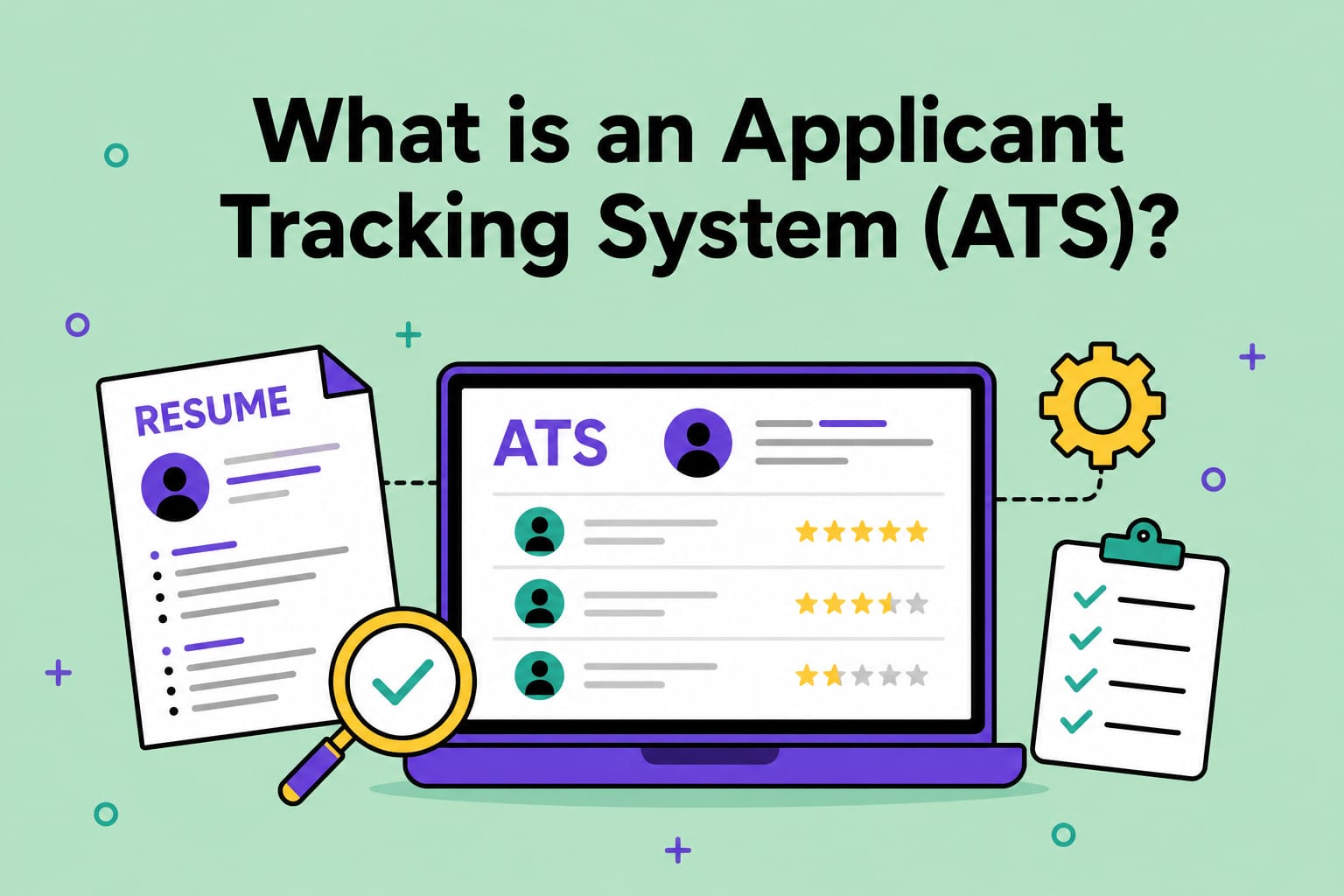
What is an Applicant Tracking System (ATS)? How It Affects Your Job Search
TL;DR: An ATS is software that companies use to organize job applications. You don’t need a fancy resume to work with it. In fact, simpler is better: Use clean formatting, include relevant language from the job posting, and make your experience easy to find.
A few thoughtful tweaks can help your resume get through ATS and in front of a recruiter—no keyword stuffing or full resume makeover needed.
When you apply for a job online, your resume will probably go through an applicant tracking system (ATS).
Understanding how ATS works can make a real difference in your job search. Knowing the basics of how an ATS reads your resume can help you make sure your experience comes through cleanly. Your resume needs to work for both the software and the person reading it.
In this guide, we’ll cover what an ATS actually does and how it impacts your chances for an interview. We’ll also share how to make your resume easier for an ATS to read—and more likely to reach a real person.
Table of Contents
- What is an ATS?
- How an ATS Processes Your Resume
- How ATS Affects Your Job Search
- Common Resume Mistakes That Hurt ATS Readings
- How to Make Your Resume ATS-Friendly
- Other Ways to Improve Your Odds
- Key Takeaways

Is Tech Right For you? Take Our 3-Minute Quiz!
You Will Learn:
☑️ If a career in tech is right for you
☑️ What tech careers fit your strengths
☑️ What skills you need to reach your goals

What is an ATS?
ATS is software that companies use to collect, sort, and manage job applications. ATS platforms are everywhere. 98% of Fortune 500 companies use ATS to manage hiring, and plenty of smaller companies use them too.
Traditionally, hiring managers used to dig through dozens of resumes manually. ATS helps automate that process and make it easier for recruiters to search, filter, and rank candidates.
How an ATS Processes Your Resume
When you submit your resume, the ATS “reads” it through a process called parsing. It pulls out details like your name, contact information, job titles, dates, and skills.
This is where formatting matters. A simple, well-organized resume is easier for an ATS to read accurately. A resume with columns, tables, or graphics can confuse the system. The system may miss information or place it in the wrong section.
It’s also worth knowing that not all ATS platforms work the same way. Some are more advanced and use AI to handle a wider range of formats. Others are more basic and stick closely to a strict, standard layout. Since you usually won’t know which type will be parsing your resume, it’s smart to stick with a simple layout.
Once your resume is parsed, most systems store it as a searchable profile rather than a static document. Recruiters can then search for candidates with specific skills or years of experience.
How ATS Affects Your Job Search
An ATS can cause qualified candidates to get overlooked. Not because they lack the right skills, but because their resume didn’t parse cleanly or lacked the right keywords. When you’re trying to get a job in tech, a poor ATS scan can decrease your chances of an interview.
Missing relevant keywords can make it harder for recruiters to find your resume. If a job posting uses a specific required skill, tool, or certification, recruiters are looking for those keywords.
For example, a posting may emphasize “project management,” while your resume says “managed projects.” Some systems or recruiter searches may give the exact phrase more weight.
Use the job posting’s terminology where it truthfully describes your experience, while showing it in context. If you have project management experience, use that exact phrase in your resume. Then back it up with details about the projects, teams, and results involved.
This doesn’t mean copying and pasting the entire job description into your resume. Instead, look for skills, tools, and responsibilities that match your background. Use the employer’s wording where it fits, and show how you used those skills in real work.
Common Resume Mistakes That Hurt ATS Readings
A few formatting choices tend to trip up ATS software more than others:
- Fancy formatting, columns, and text boxes. These can scramble the order in which an ATS reads your resume.
- Unusual section headings. “My Journey” might sound creative, but “Experience” is what the system is trained to scan for.
- Graphics, icons, headers, and footers. These elements often get skipped entirely, along with anything they contain.
- Missing keywords from the job description. Some ATS platforms look for specific terms, so use the job posting’s language when it accurately reflects your experience.
Use the job description to make sure the most relevant parts of your experience are easy to find. Identifying common resume mistakes can help you create an ATS-readable resume.
Is Tech Right For you? Take Our 3-Minute Quiz!
You Will Learn:
☑️ If a career in tech is right for you
☑️ What tech careers fit your strengths
☑️ What skills you need to reach your goals
How to Make Your Resume ATS-Friendly
Making your resume easier for an ATS to read doesn’t mean you have to start over. A few adjustments to your current resume can make a huge difference in how easily an ATS can read it:
-
- Use standard section headings. Use section titles like Experience, Education, and Skills.
- Keep formatting simple. Stick to a single-column layout, standard fonts, and consistent spacing.
- Mirror the job posting’s language naturally. You might describe “client communication” while the job asks for “stakeholder management,” for instance. If both phrases accurately describe your work, using the language from the posting can make your experience clearer.
- Follow the application’s file instructions. If an employer specifies a file type, use it. If they don’t, a simple .docx is often a safe choice because it is easy for most ATS platforms to parse. Save the file with a clear name, such as FirstName-LastName-Resume.
- Avoid unnecessary graphics. ATS can’t scan graphics, so skip adding tables, images, or graphs.
- Run a quick readability check. Copy and paste your resume into a document. If the headings, dates, job titles, and bullet points come through in a strange order, an ATS may have trouble reading them too.
You can also ask a friend to take a quick look at your resume before you apply. If they quickly spot your recent roles, skills, and accomplishments, you’re probably making the most important information easy to find.
Other Ways to Improve Your Odds
Formatting your resume for ATS scans is a great start, but a few other actions can boost your chances of getting seen:
- Apply early. Some employers review candidates as applications arrive, so submitting a strong, tailored application early can help. Others wait until the posting closes, so prioritize a strong application instead of rushing to apply first.
- Network when you can. A referral or introduction may help a recruiter take a closer look at your application.
- Tailor your resume for each role. A slightly customized resume for each application will help you stand out more than a generic resume that you send everywhere.
- Check that your LinkedIn tells the same story. Recruiters may look at your LinkedIn profile, so keep its details consistent with your resume.
Key Takeaways
An ATS can sound intimidating, but it’s really just one part of the application process. Keep your resume’s formatting simple. Mirror the language in the job posting. And make sure your most relevant experience leads the way.
Want extra support as you polish your resume and start applying? Skillcrush’s Get Hired in Tech program gives you guided job-search support, so you can take your next step with more confidence.

Shreyasi Bhattacharya
Category: Blog, Career Change, Get Hired in Tech, Job Resources, Resumes and Portfolios